
When sanding with an interface
Reduce vibrations with DEROS®
00:01
1/3 - Step 1
Remove the backing pad
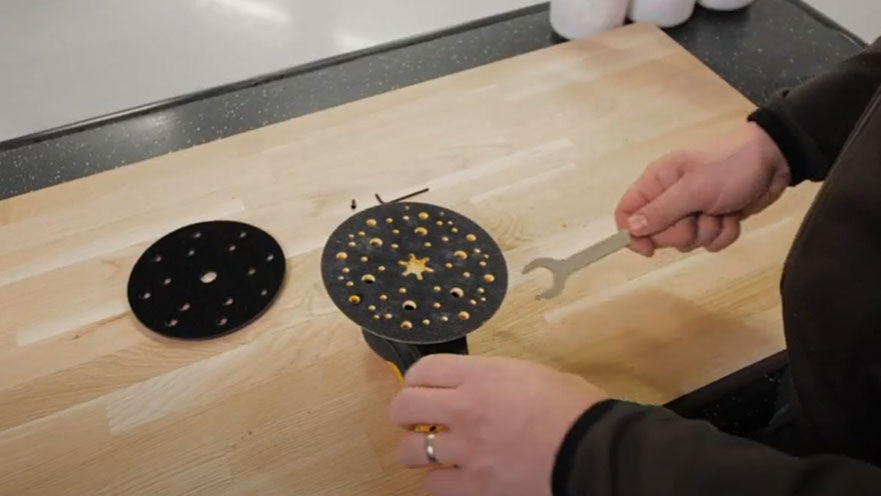
When a pad saver or interface is used, this set-up may increase the level of vibration. Your DEROS has a feature that allows you to reduce this vibration. This is how you do it.
First, remove the backing pad by using the spanner that is included in the package.
00:10
2/3 - Step 2
Add a hex nut and tighten it
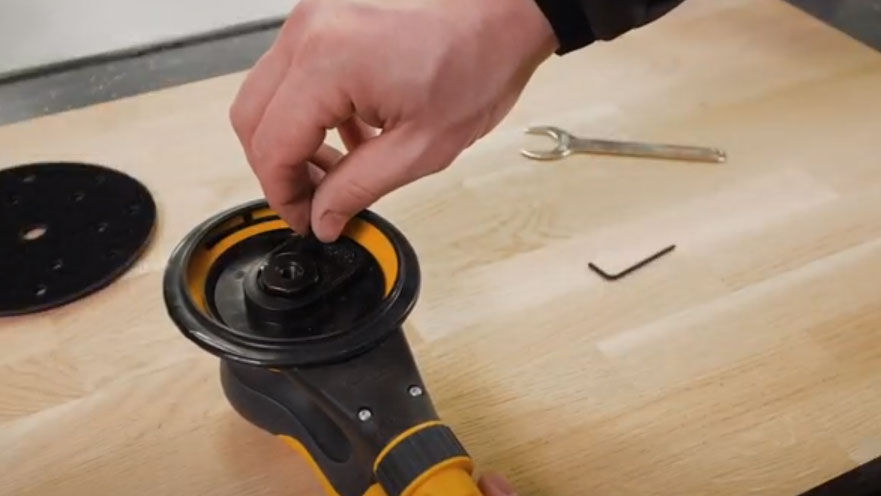
Add a hex nut and properly tighten it.
00:22
3/3 - Step 3
Reattach the backing pad
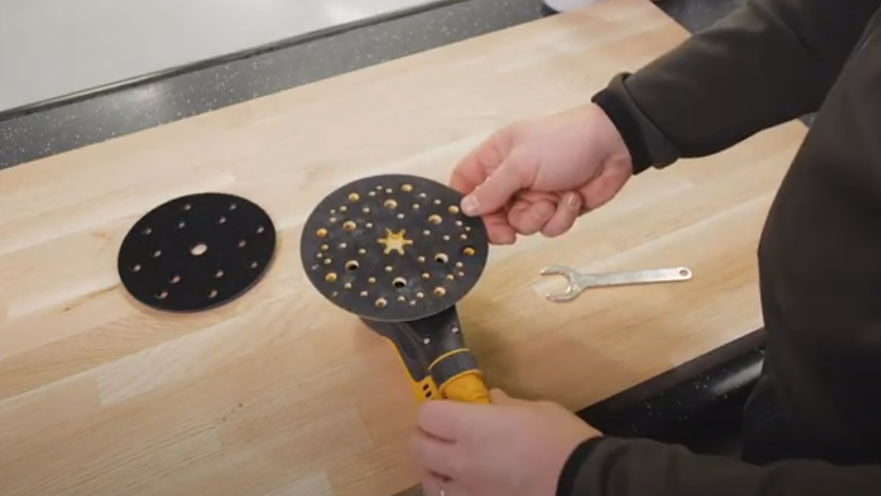
Reattach the backing pad to the machine.