




Register Your Tool
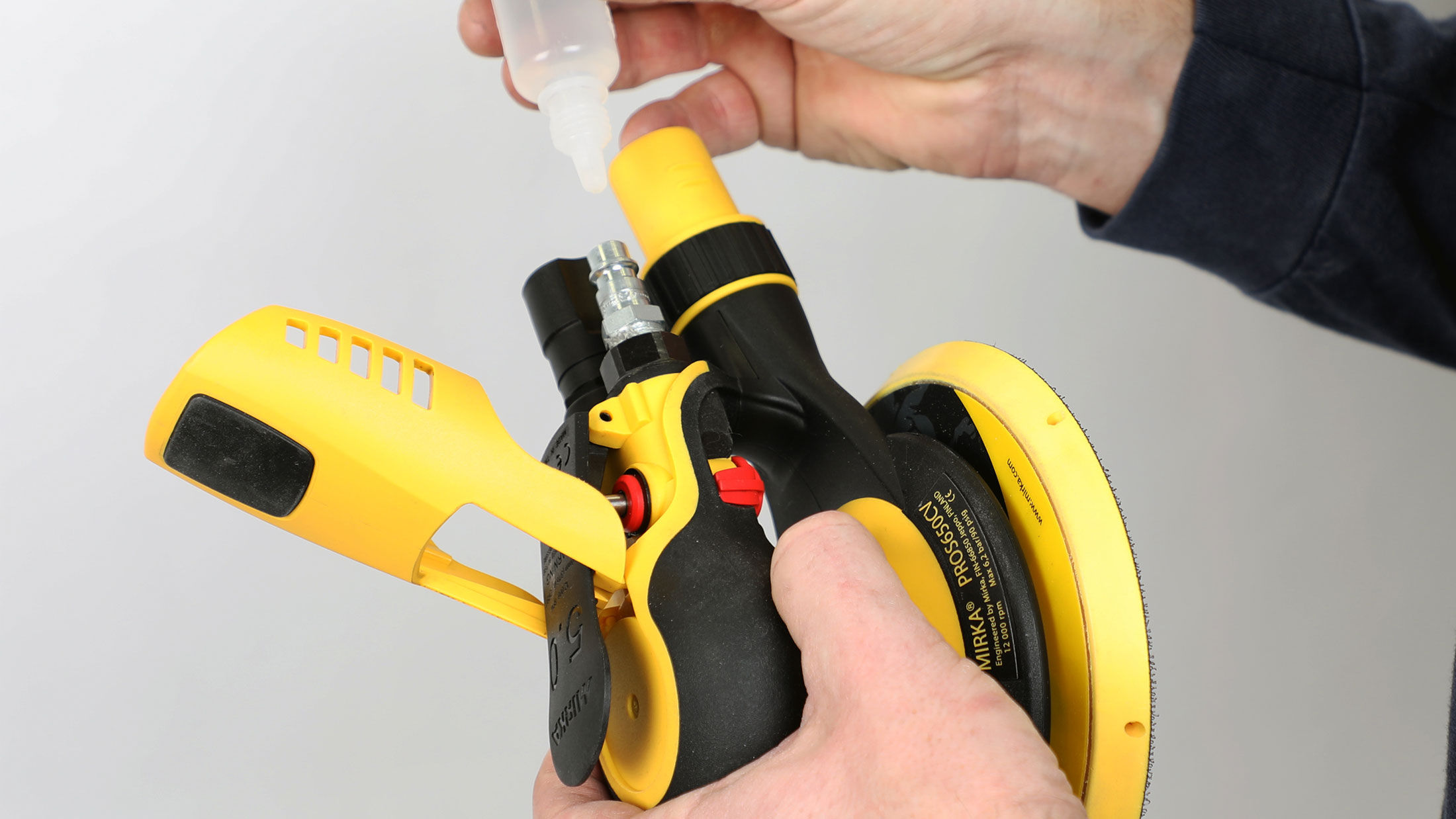
All Mirka power tools have a standard two-year warranty. Get an additional 1 year of warranty free of charge by registering your tool within 30 days of purchase.



























Keep your tools in excellent shape on myMirka where you can register your tools.

Replenish your stock, access marketing materials, view sales guides and read about upcoming product launches.

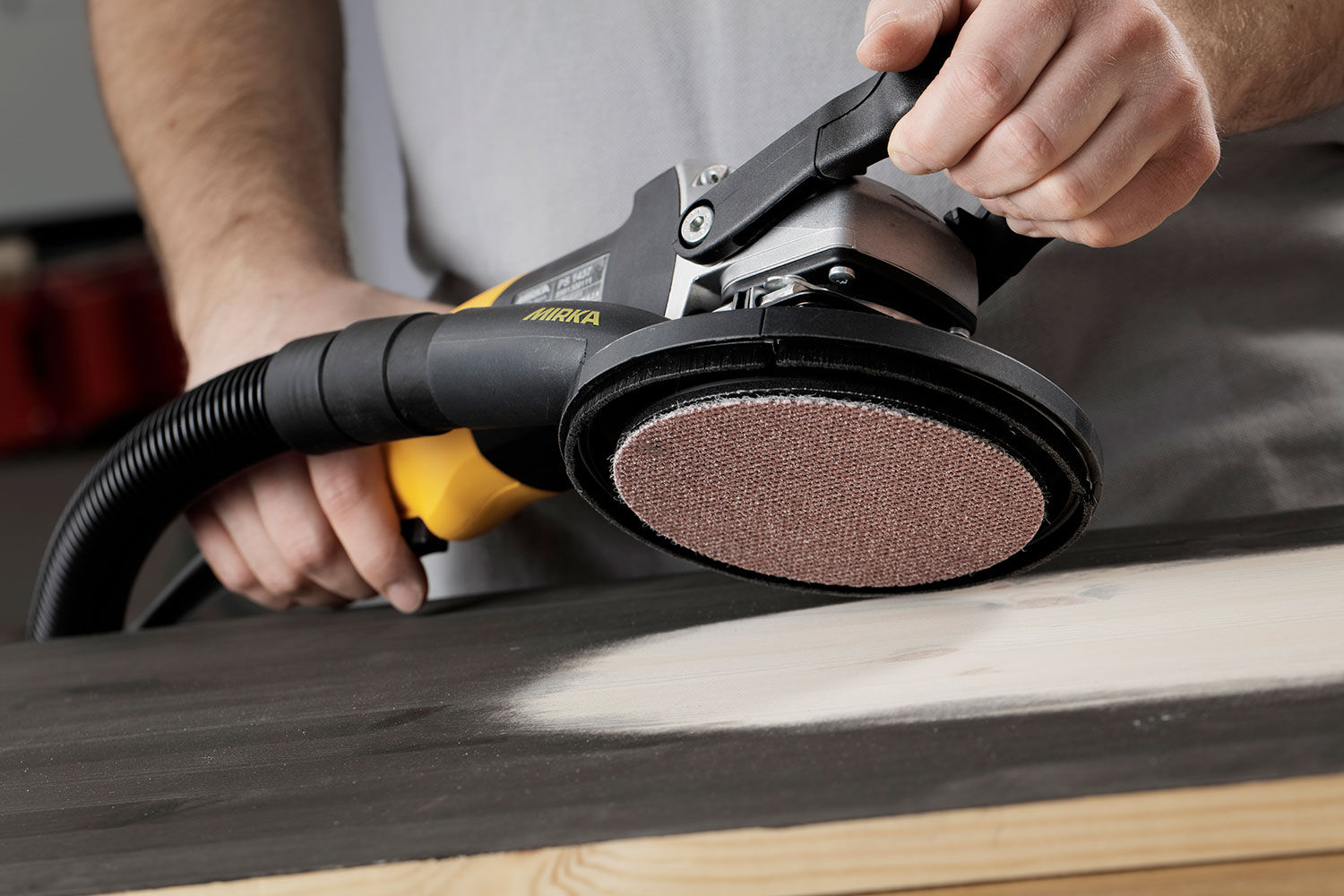
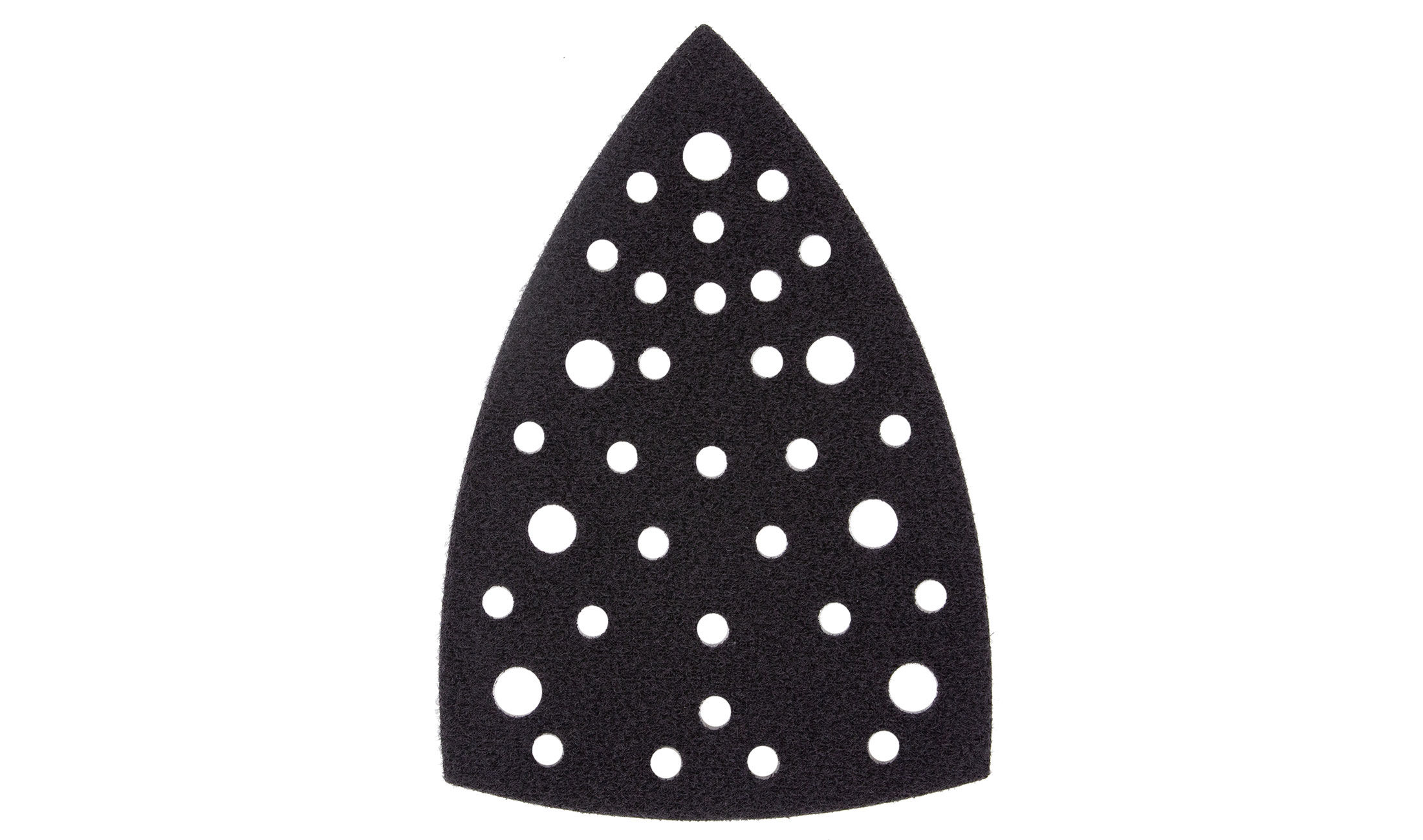
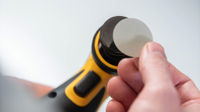
Changing your backing pad when necessary will keep the vibrations of your sander to the minimum. Large chunks of missing pad material will cause imbalance.
If you are using a pad saver, make sure to counter balance it correctly.
We recommend checking for new software updates on myMirka whenever you purchase a new machine. Ensure your DEXOS tool delivers optimal performance by updating its firmware through the myMirka app. Follow these simple steps for a seamless experience.
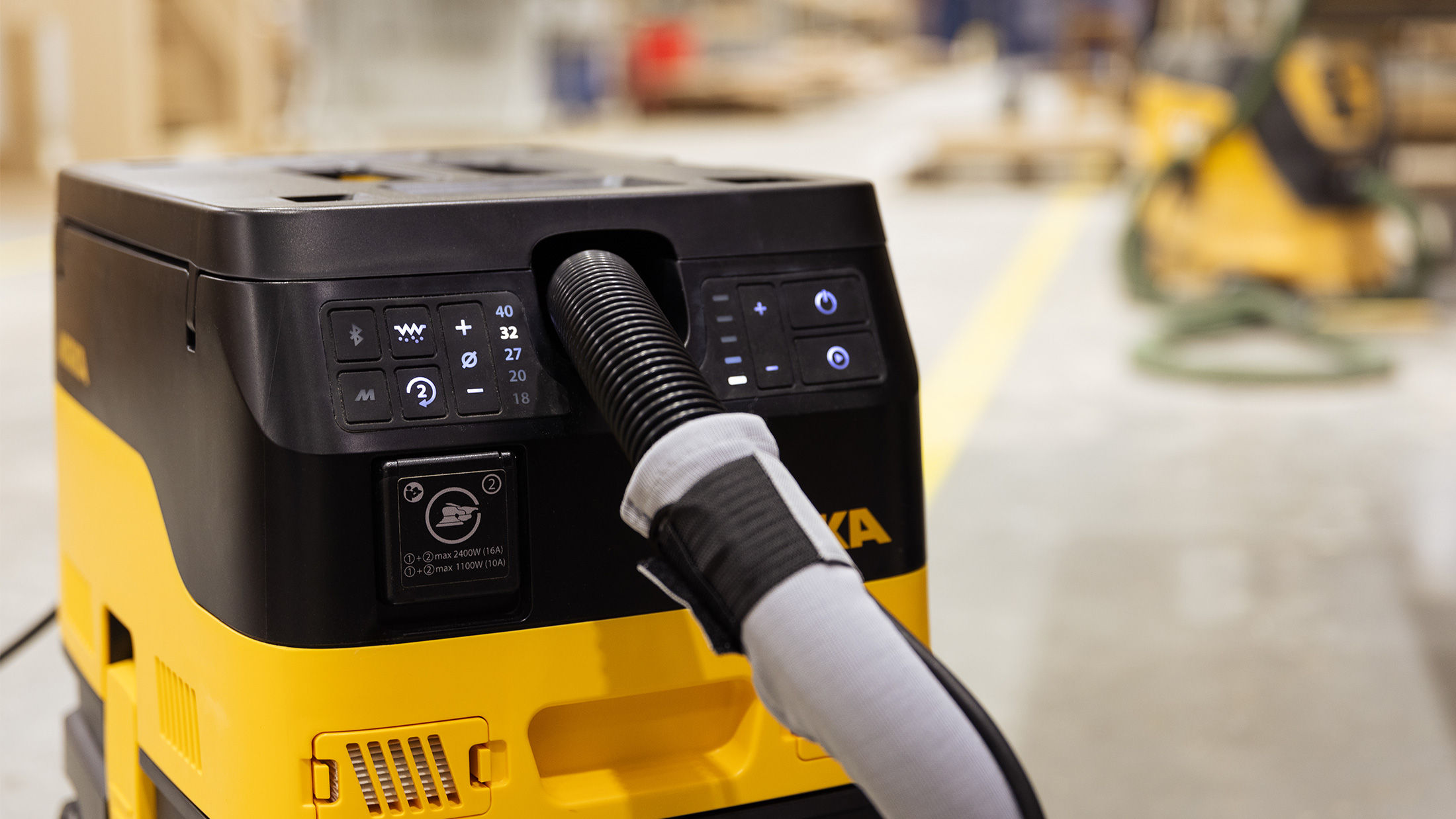
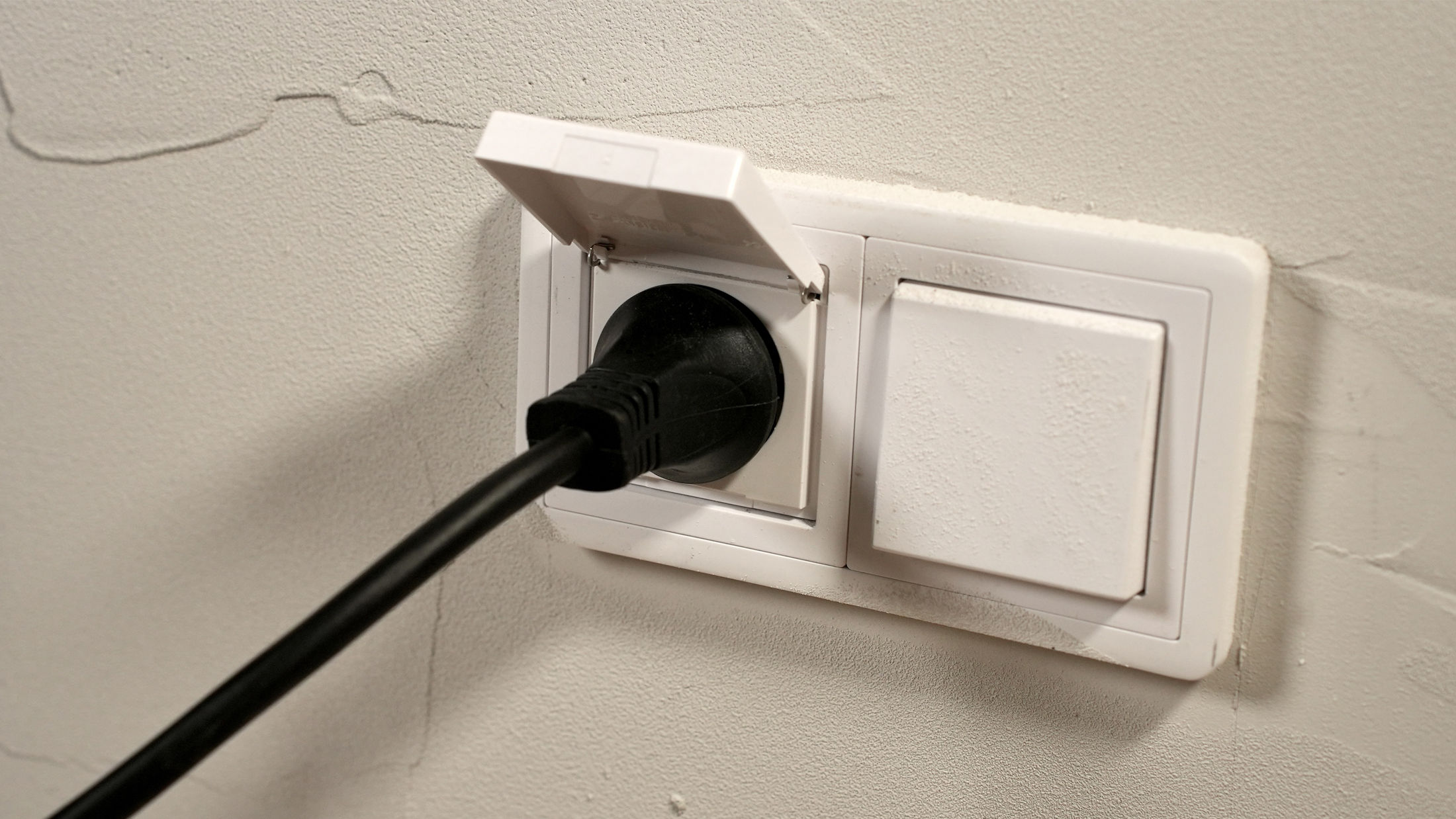
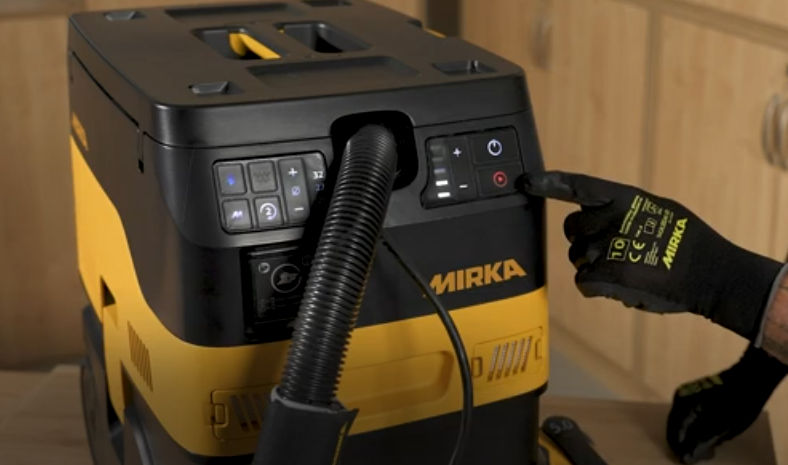
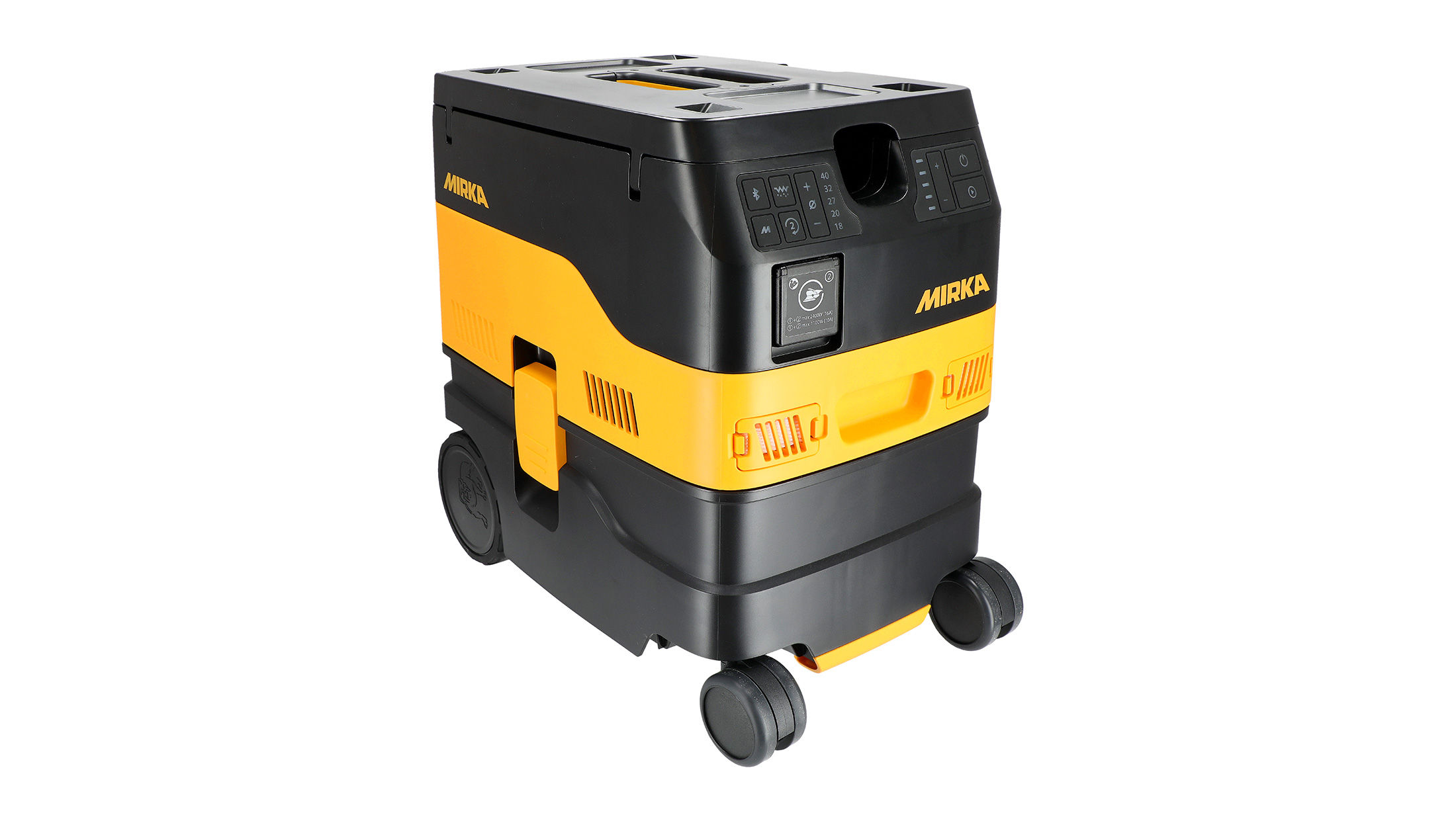
Having trouble starting your Mirka® DEXOS Dust Extractor? Follow these simple troubleshooting steps to get it running smoothly again! First, check the power connection to ensure the cord is plugged in and electricity is flowing. Next, verify that the main switch on the back is turned on. Finally, press the On/Off button and the Play button on the front of the machine. Watch this quick guide for step-by-step instructions to solve the issue and get your dust extractor working!
Discover how you can boost suction performance and maximize dust extraction efficiency.
Having trouble with a low airflow alarm? In this video, we guide you through four simple steps to resolve the issue and get your system running smoothly. Follow these steps to maintain optimal airflow and prevent future issues!
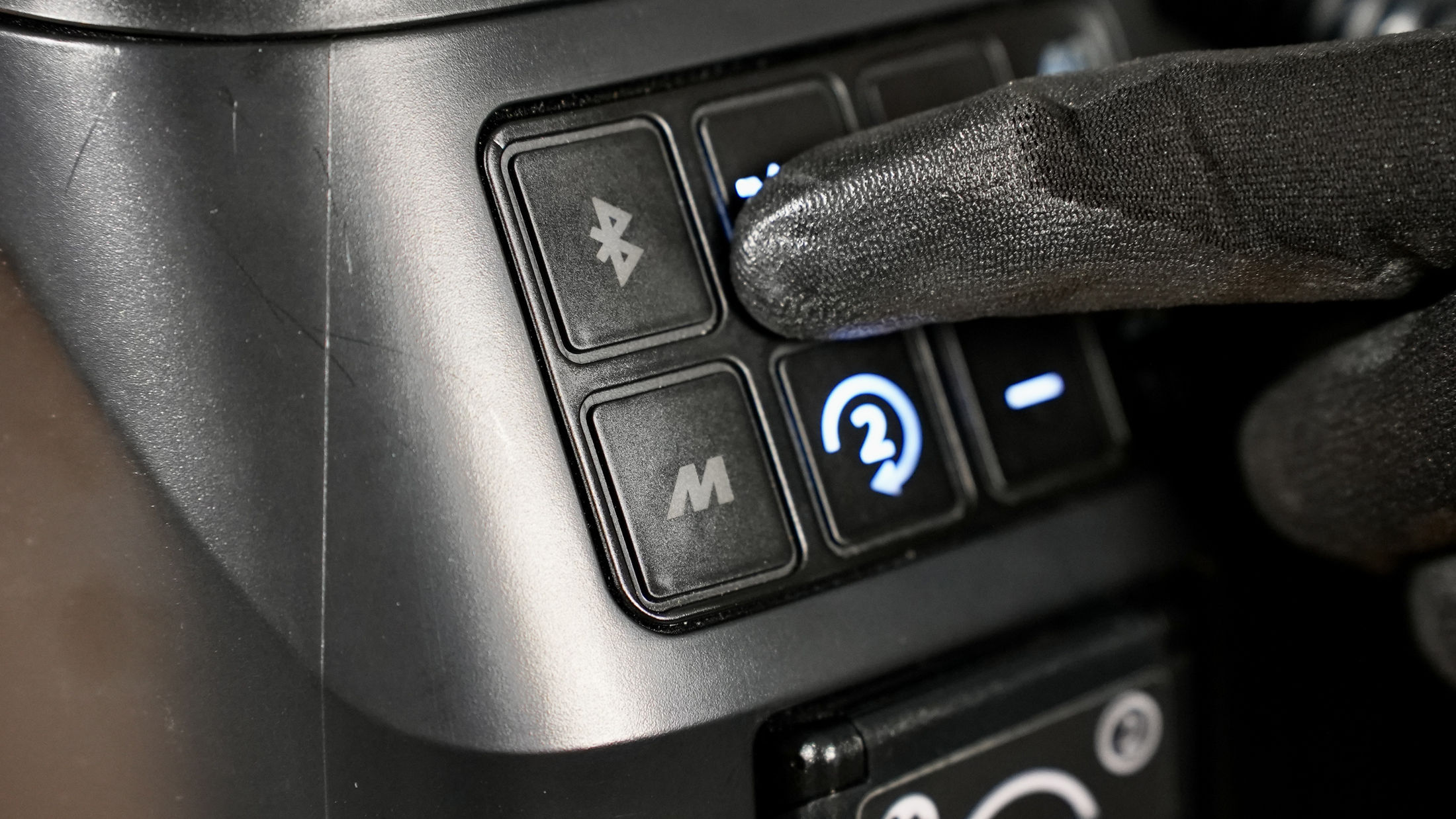
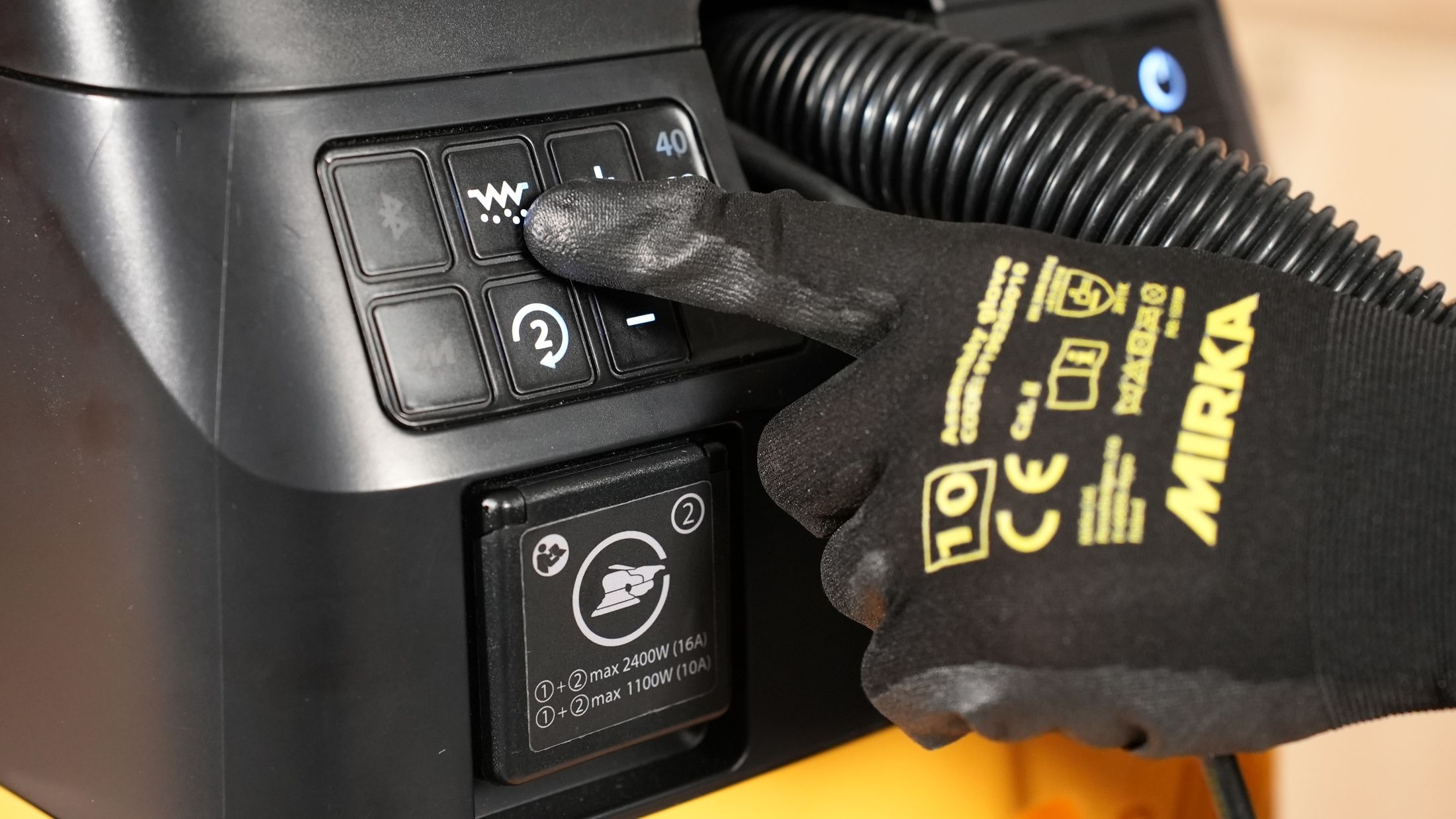
Secondary electrical outlet not working? It might be simpler than you think. Just press the (2) button to activate the outlet and get it ready for use—quick and easy!
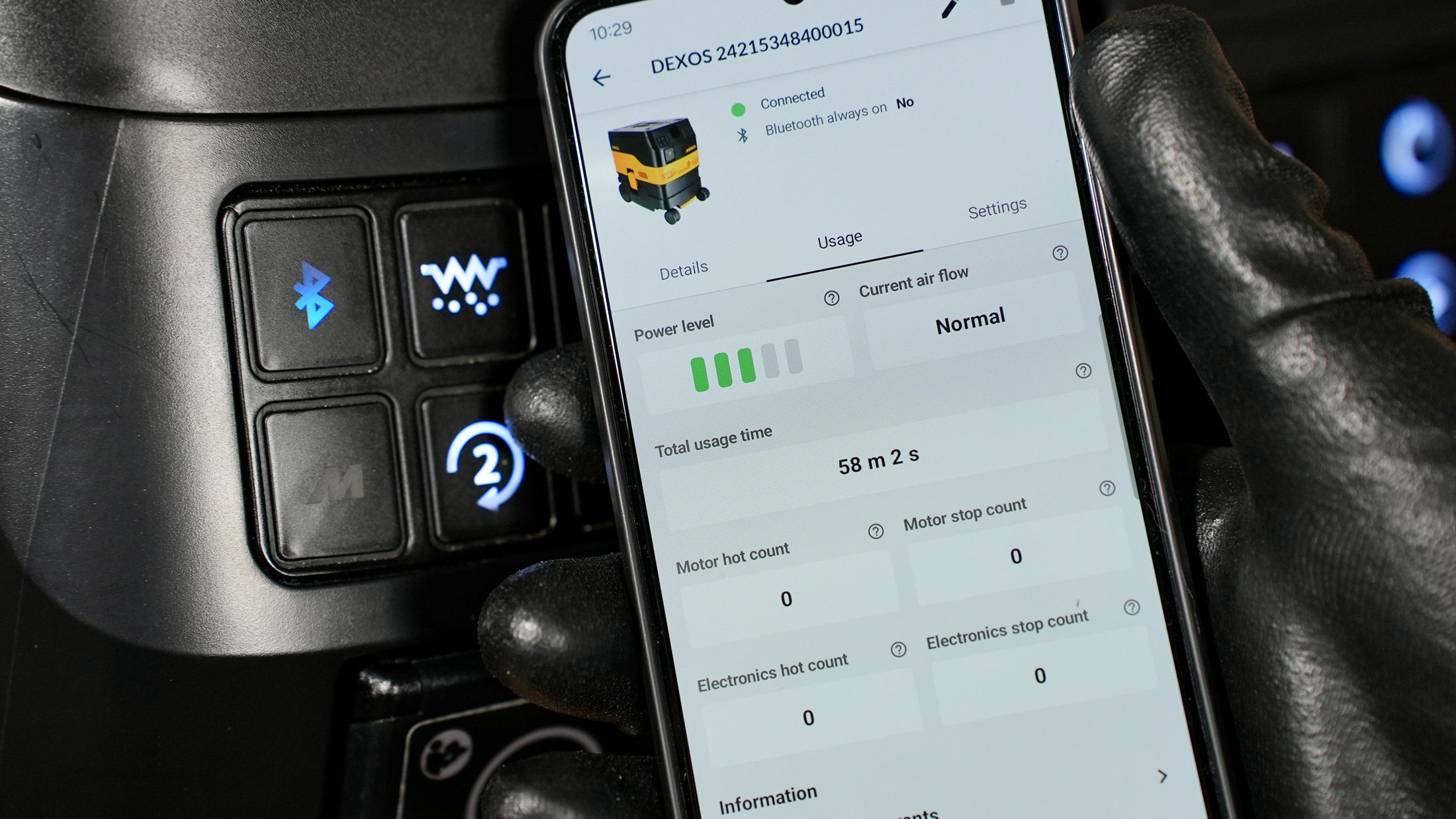
Ready to connect your Mirka® DEXOS dust extractor to Bluetooth® and the myMirka® app? Follow these simple steps to pair your devices and unlock smart features for more control and monitoring.
If you receive a motor/PCB hot warning on your Mirka® DEXOS dust extractor, don't panic. This guide will walk you through the steps to safely resolve the issue and ensure your dust extractor is back to optimal performance
Ensure your suction system operates at peak performance! Learn how the Automatic Filter Cleaning (AFC) system works, how to troubleshoot reduced suction power, and when to manually clean or replace the filter. Plus, discover when it's best to turn off AFC for specific tasks like wet pick-up. Stay ahead of maintenance with these simple tips!