



Register Your Tool
All Mirka power tools have a standard two-year warranty. Get an additional 1 year of warranty free of charge by registering your tool within 30 days of purchase.




















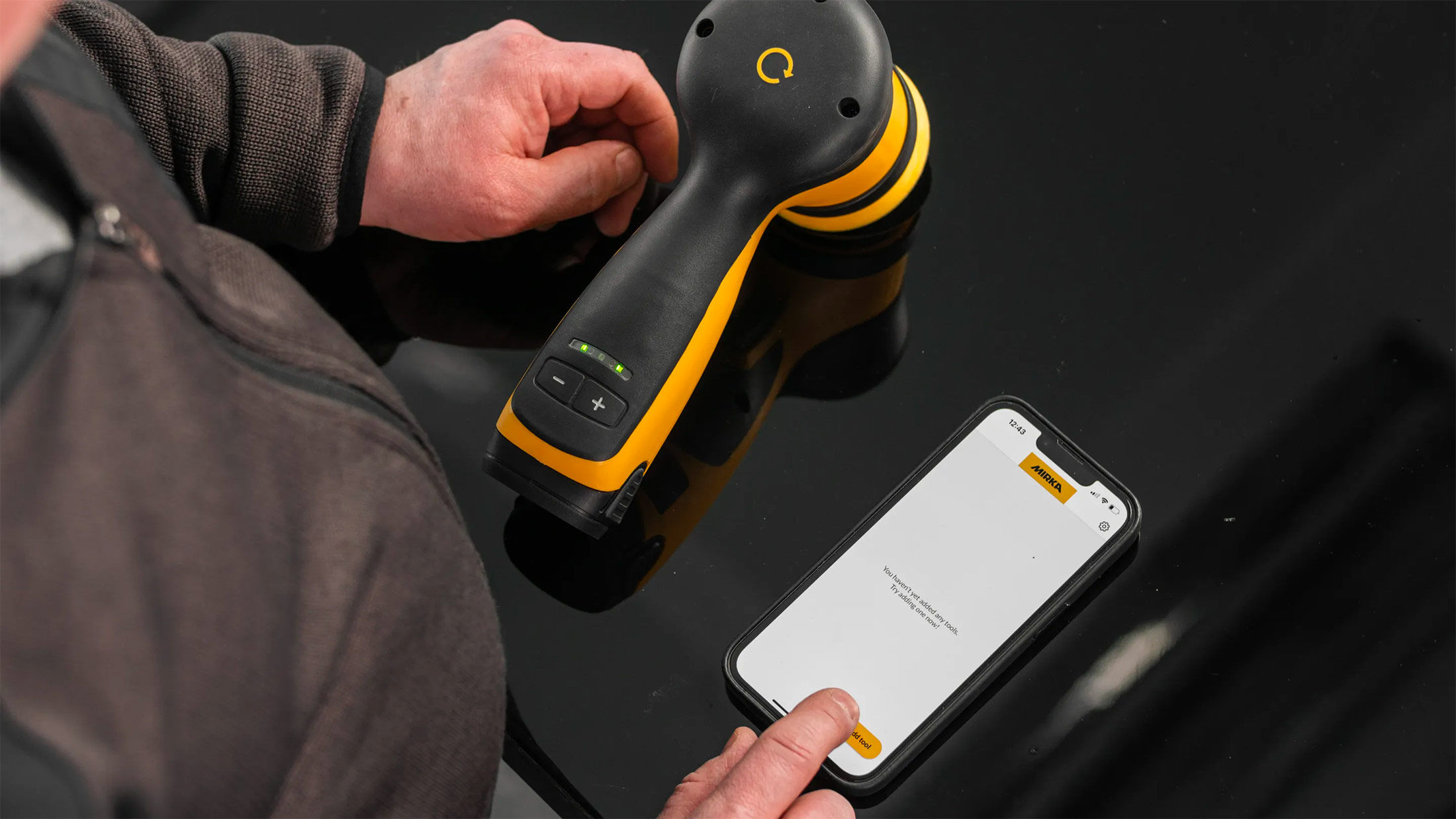
Keep your tools in excellent shape on myMirka where you can register your tools.

Replenish your stock, access marketing materials, view sales guides and read about upcoming product launches.

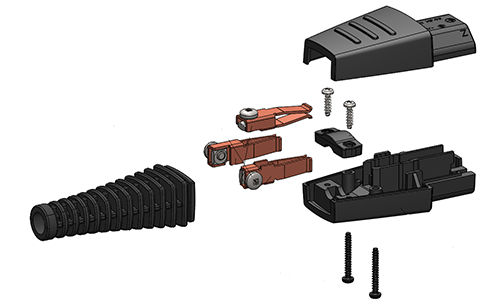
Answer: Over time, the cables on Mirka DEROS, DEOS and LEROS tools might break due to wear and tear. To address this matter, Mirka has shifted from molded cables to cables with rewireable connectors on these tools. This means the cable connectors can be changed by the user with necessary skills.
The rewireable connector also enables repair of hoses with integrated cables.
The new rewireable connector fits all DEROS, DEOS and LEROS models regardless of different country versions. The connector is available both as a separate spare part and included in new cables.
Spare part connector (no cable) Mirka code: MIE9011111
Spare part cable with new connector Mirka code: MIE9016011
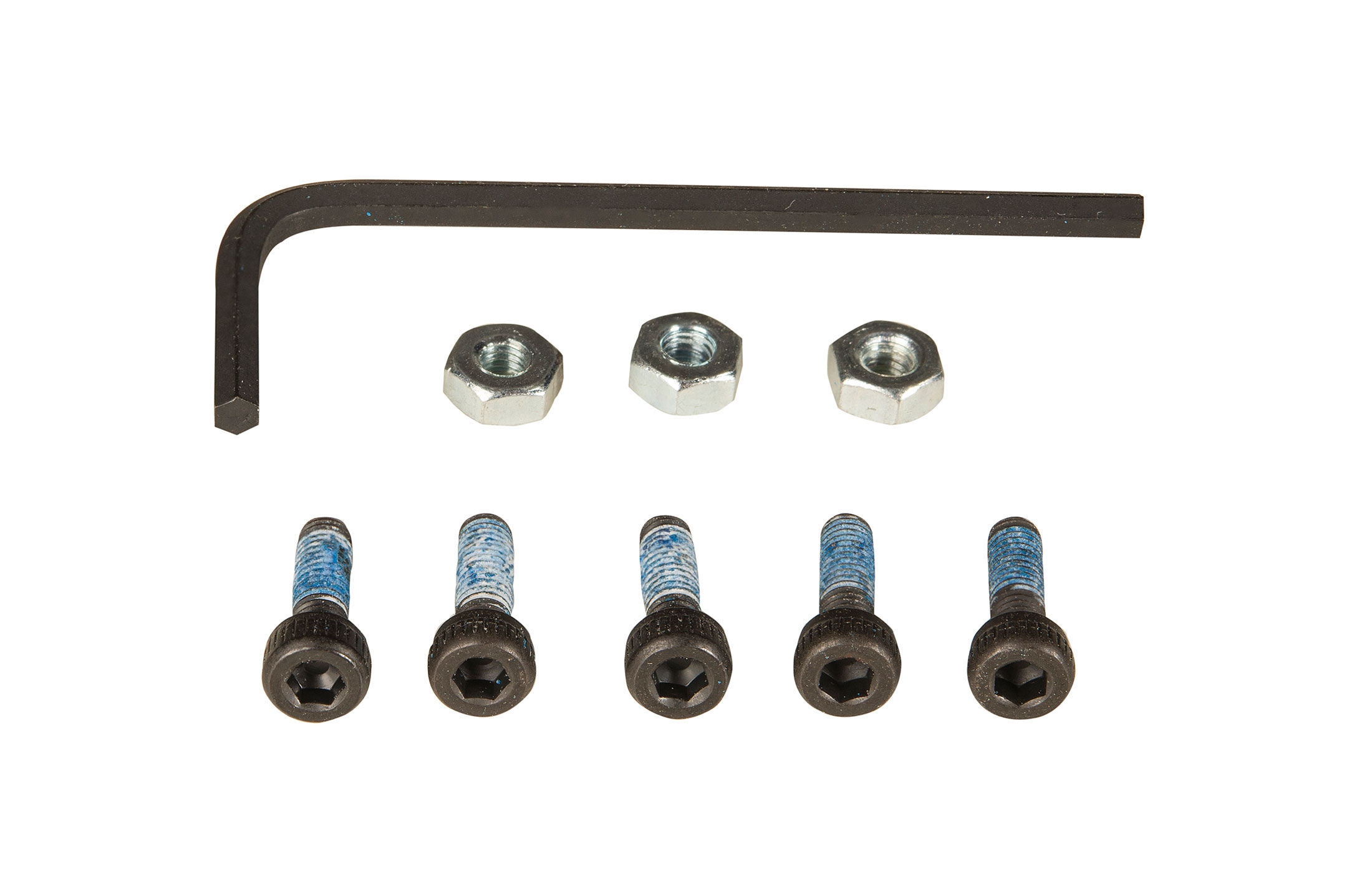
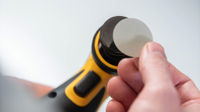
Answer: A wrench is supplied for changing the backing pad on a Mirka DEROS, Mirka PROS or Mirka ROS. You can find it located in the original packaging of the sander.
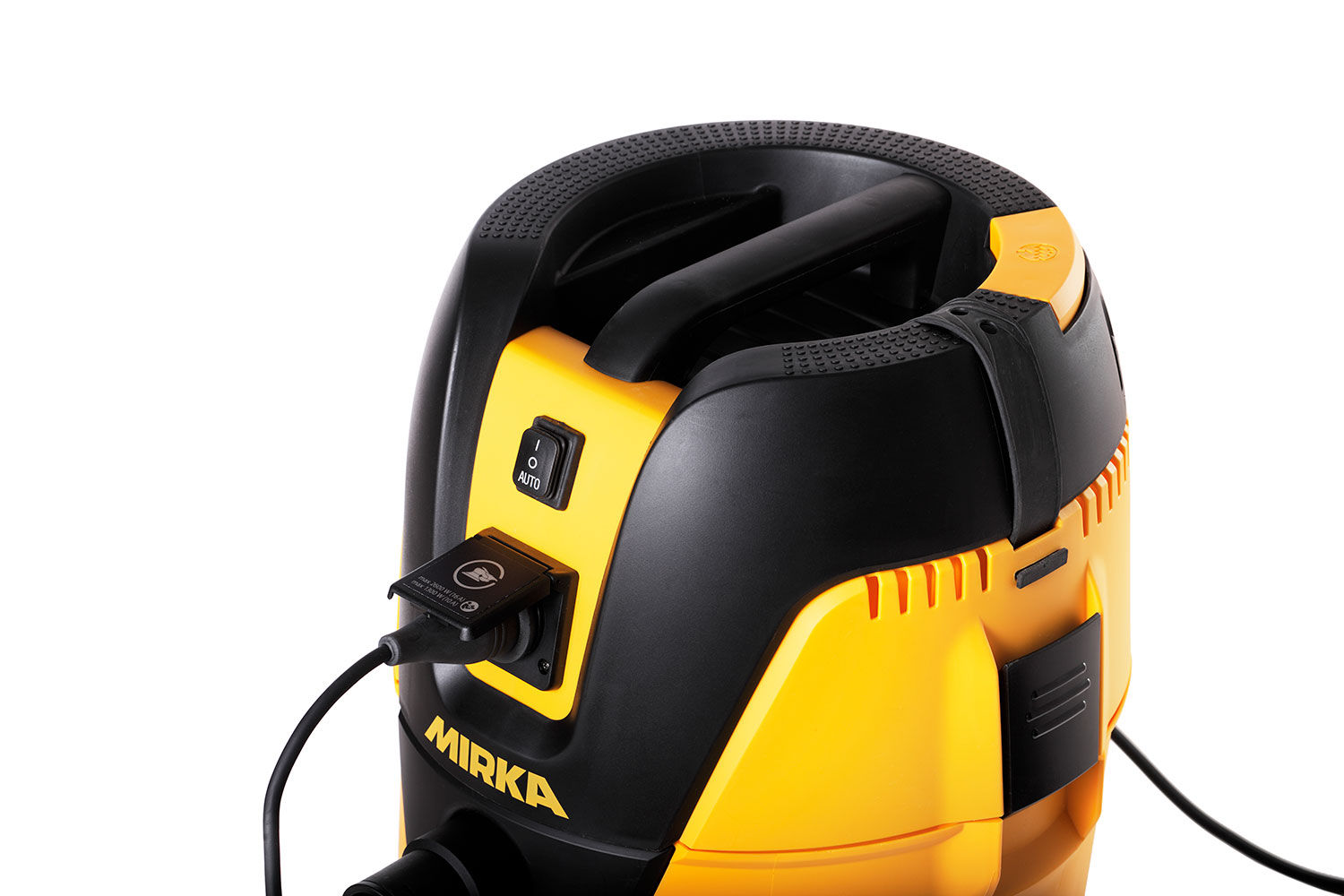
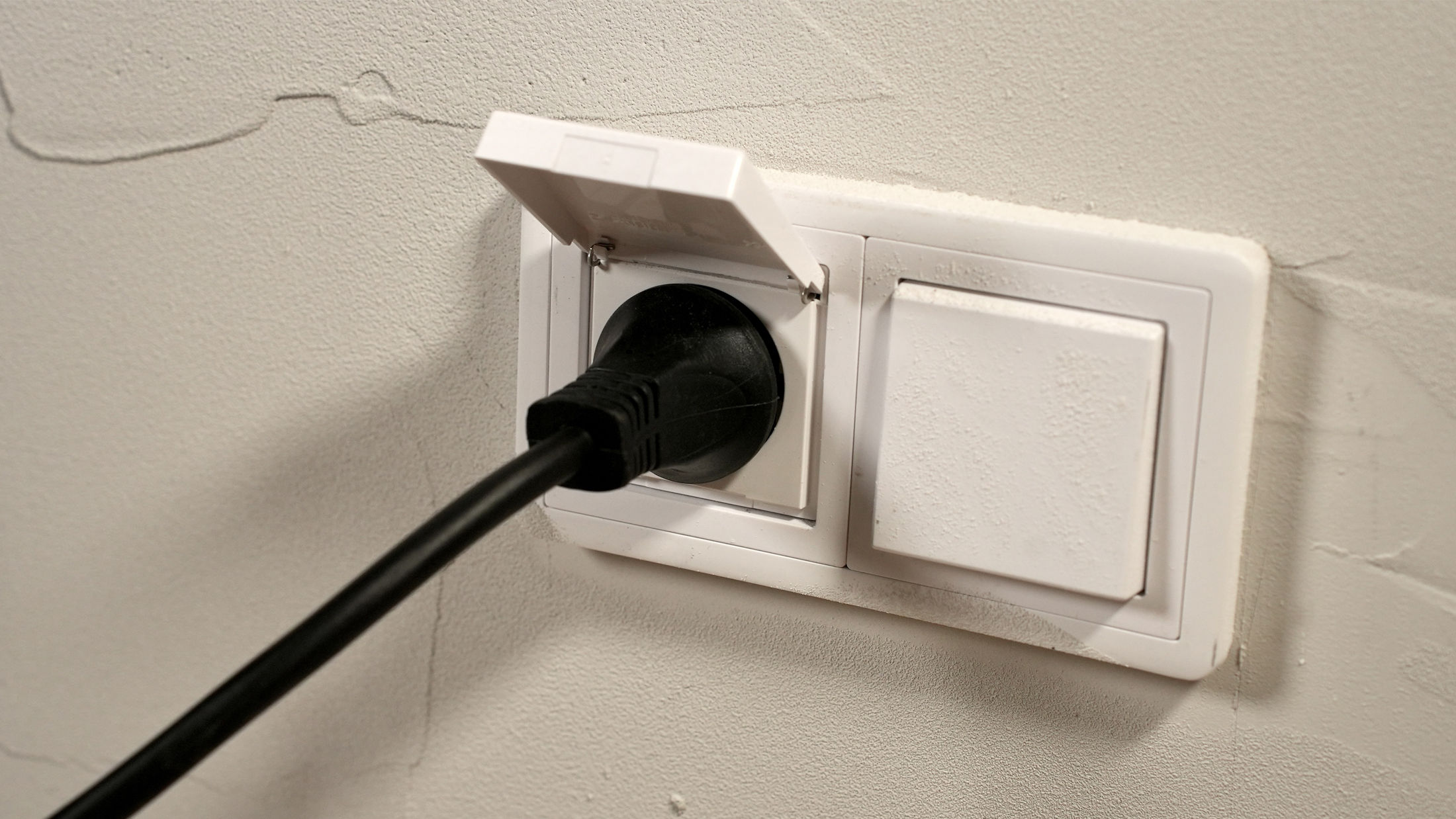
Having trouble starting your Mirka® DEXOS Dust Extractor? Follow these simple troubleshooting steps to get it running smoothly again! First, check the power connection to ensure the cord is plugged in and electricity is flowing. Next, verify that the main switch on the back is turned on. Finally, press the On/Off button and the Play button on the front of the machine. Watch this quick guide for step-by-step instructions to solve the issue and get your dust extractor working!
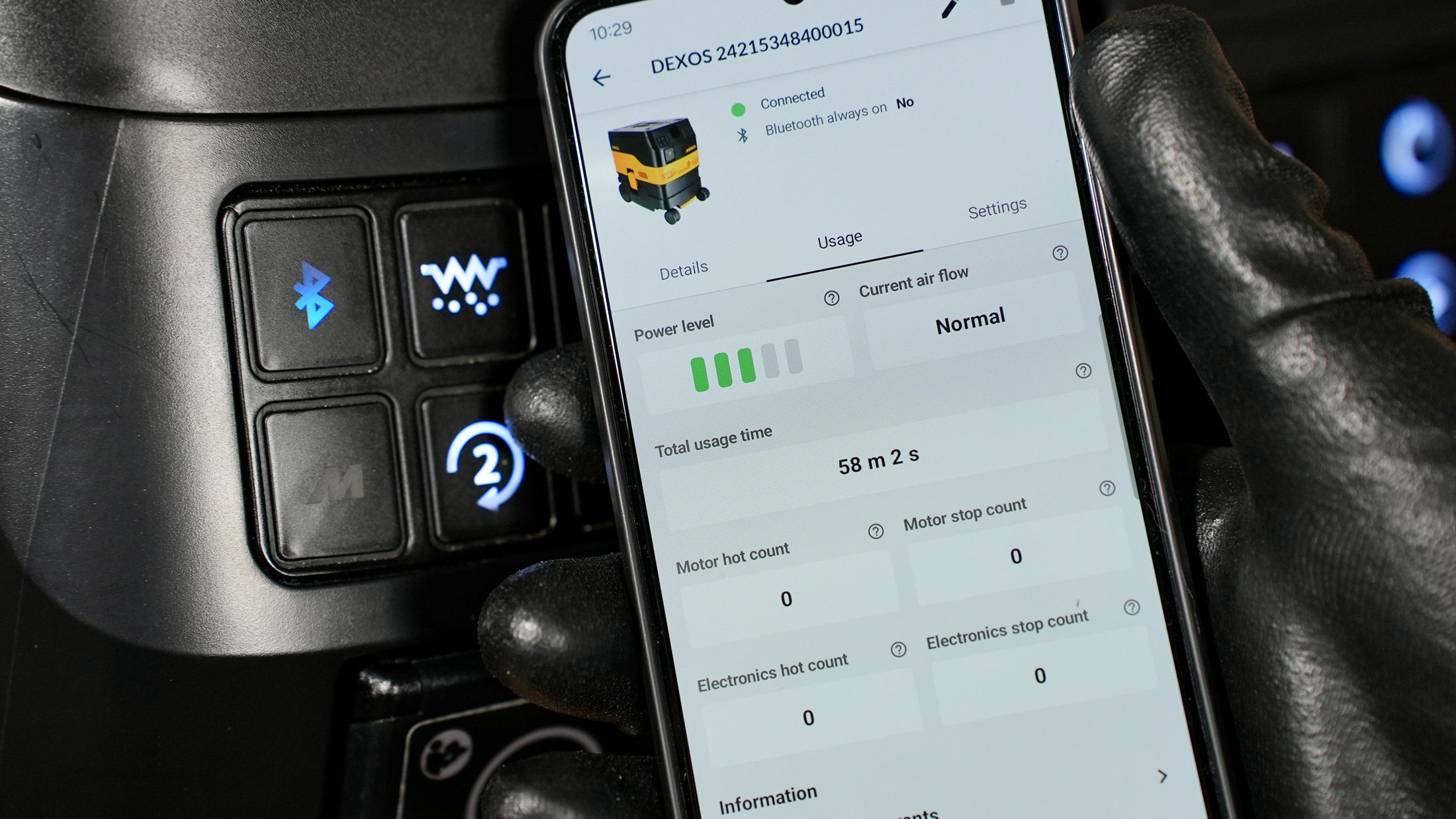
Ready to connect your Mirka® DEXOS dust extractor to Bluetooth® and the myMirka® app? Follow these simple steps to pair your devices and unlock smart features for more control and monitoring.