









Register Your Tool
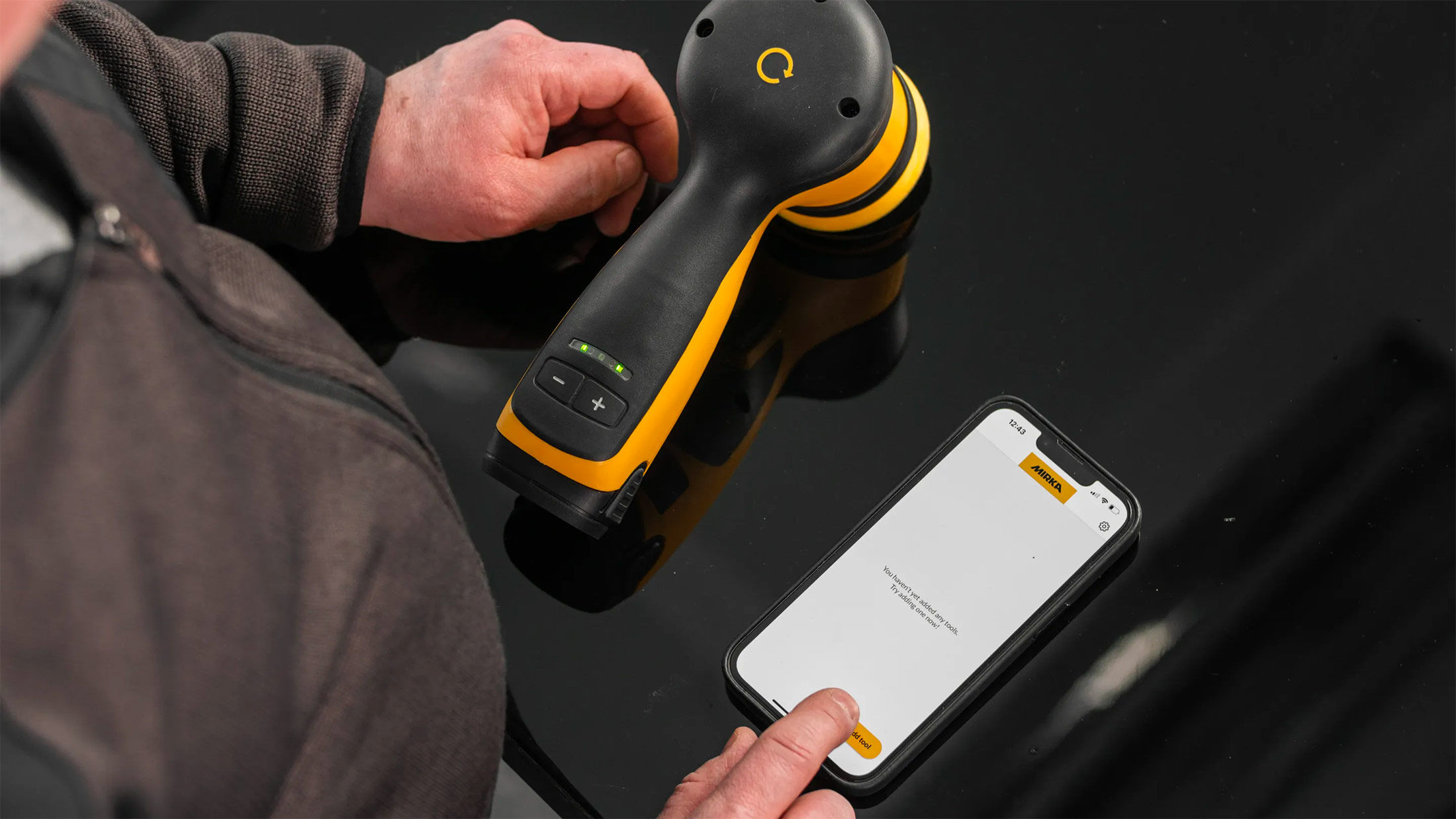
All Mirka power tools have a standard two-year warranty. Get an additional 1 year of warranty free of charge by registering your tool within 30 days of purchase.



























Keep your tools in excellent shape on myMirka where you can register your tools.

Replenish your stock, access marketing materials, view sales guides and read about upcoming product launches.

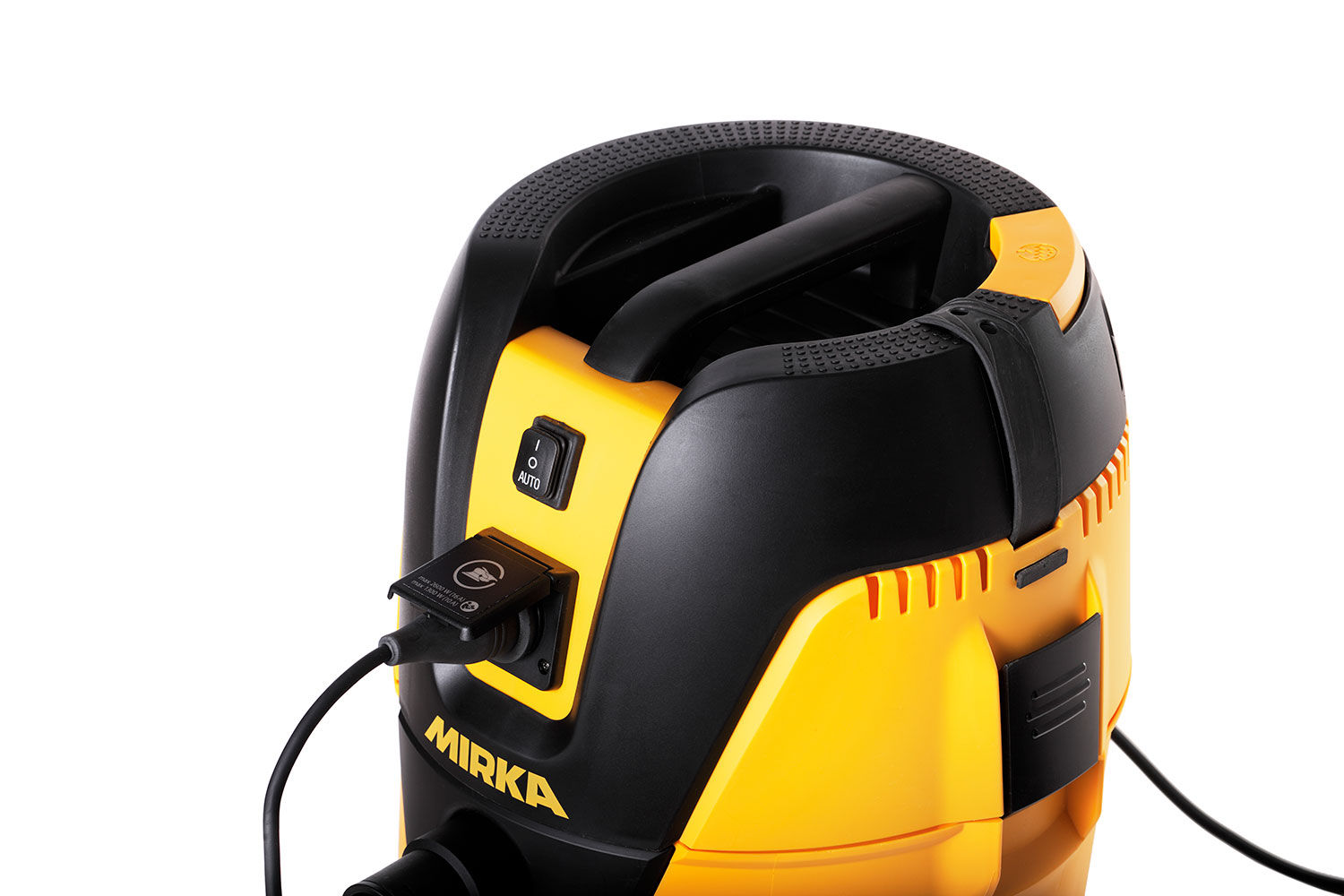
It is possible to attach a Mirka case to as 1230 dust extractor using a Mirka case fastening accessory (8999110411).
This video will show you how to attach the accessory to your 1230 extractorm, you will need a TX15 screwdriver.
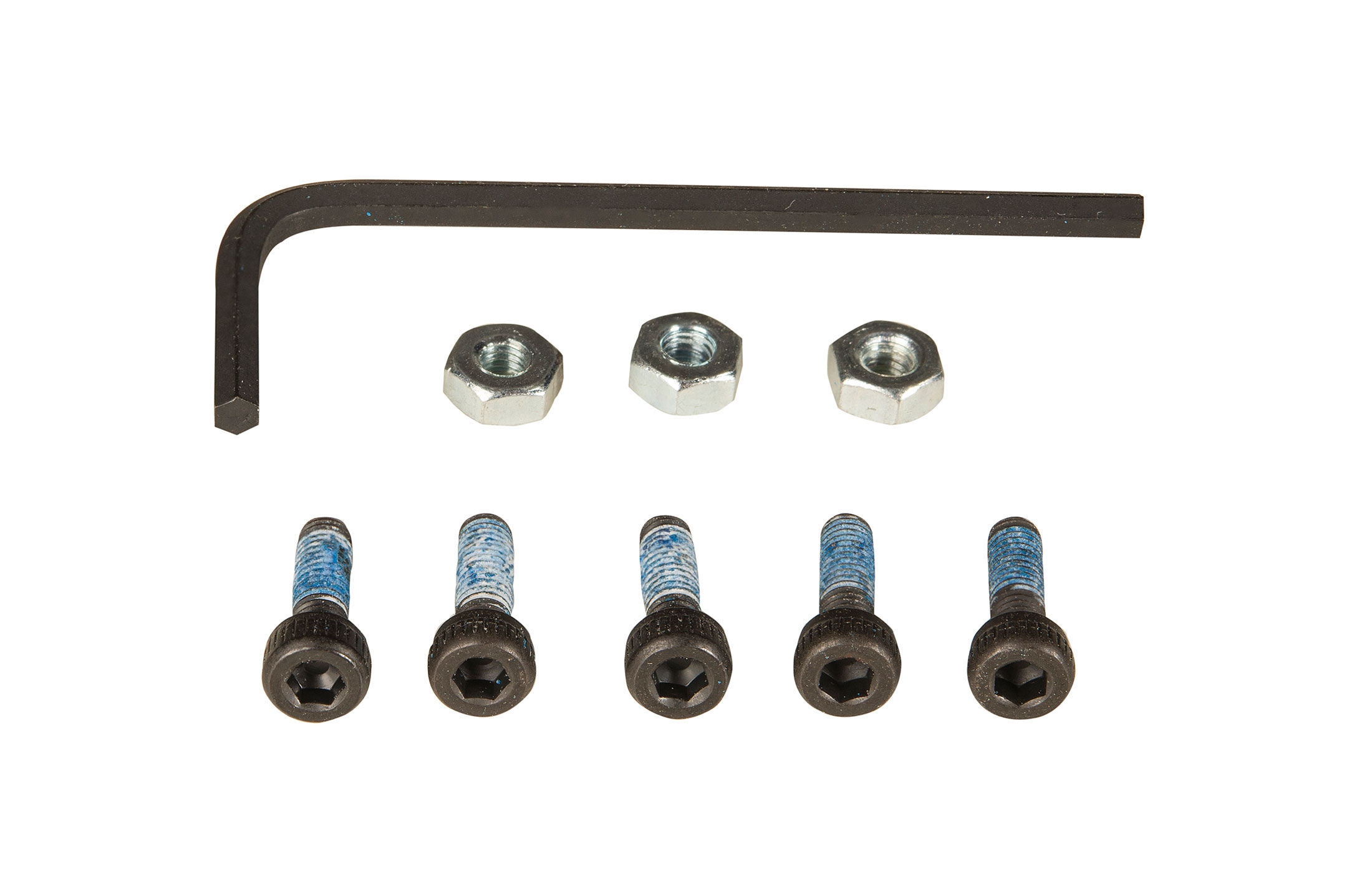
Answer: A wrench is supplied for changing the backing pad on a Mirka DEROS, Mirka PROS or Mirka ROS. You can find it located in the original packaging of the sander.