







2+1 years
Register Your Tool
All Mirka power tools have a standard two-year warranty. Get an additional 1 year of warranty free of charge by registering your tool within 30 days of purchase.


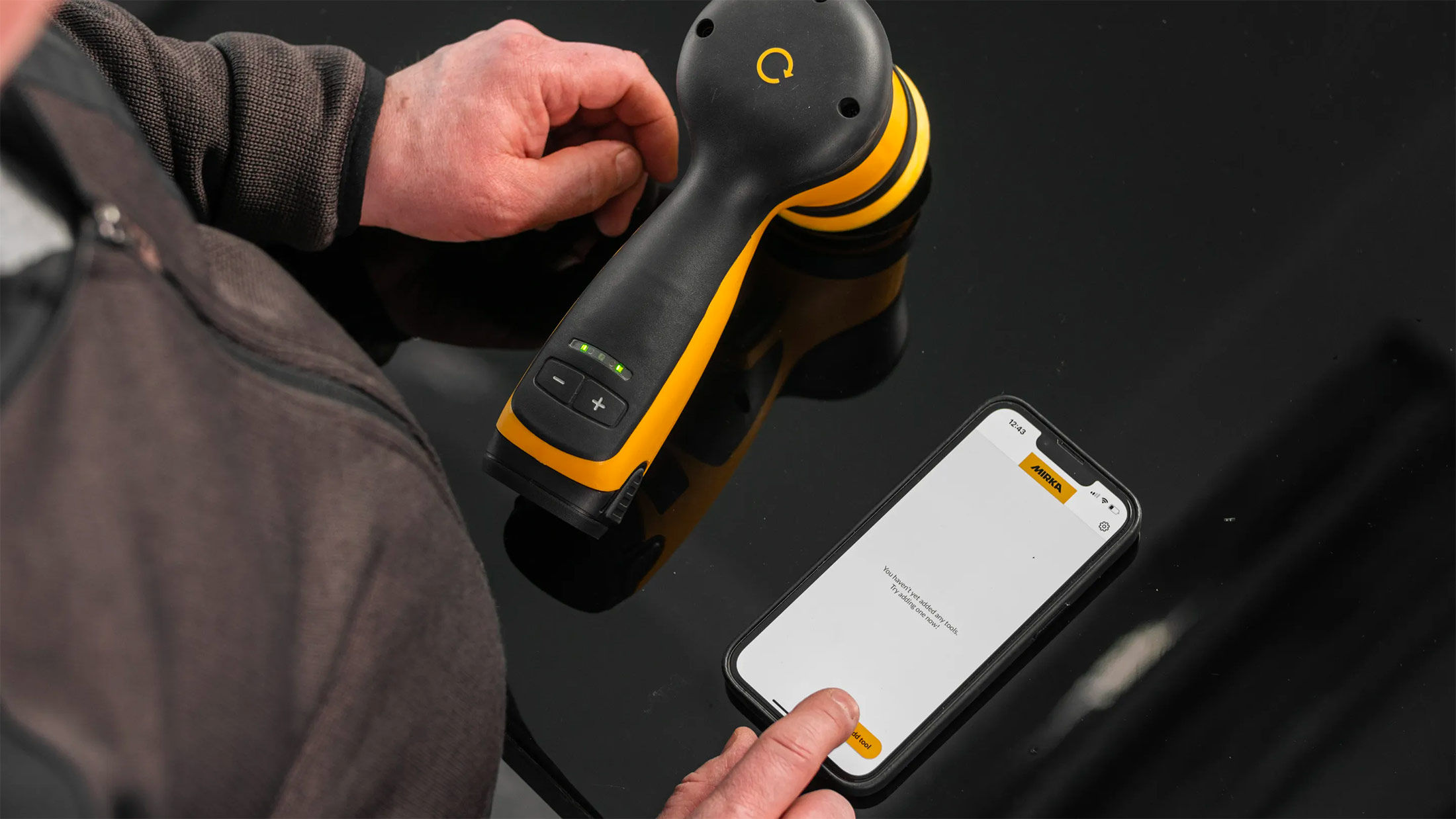
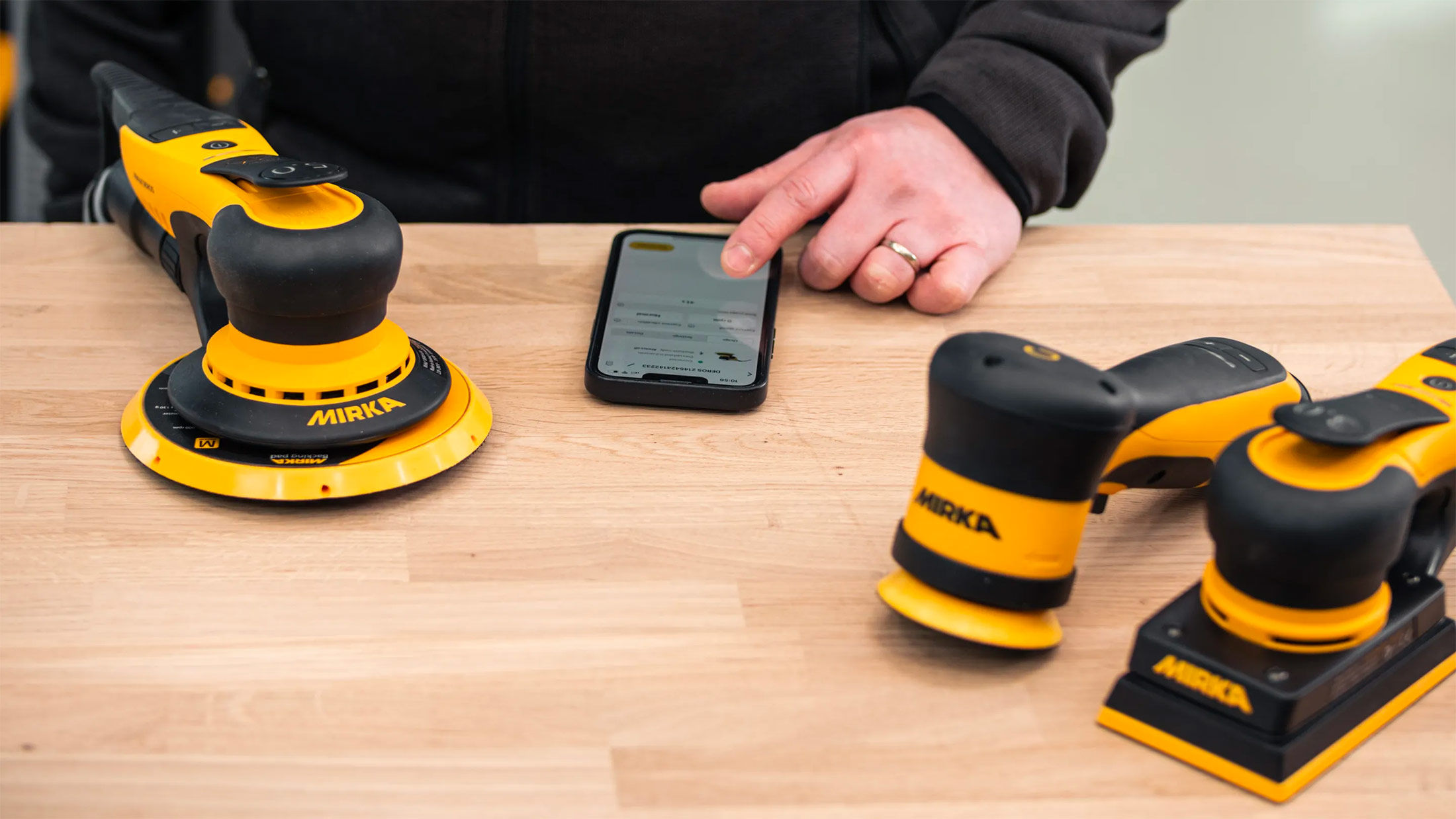
Keep your tools in excellent shape on myMirka where you can register, manage and order repair for your tools.

Replenish your stock, access marketing materials, view sales guides and read about upcoming product launches.

Open ‘Register tool’ in the dashboard, enter your tool’s serial number, add purchase information, and review the registration summary. See the detailed guide below.
You don't need the myMirka app to register a tool. You can also create and log in to your myMirka account on the Mirka website: How to register your power tool? - Mirka
The availability of Mirka's extended warranty depends on the country and application. To obtain the 2 + 1-year warranty, you need to register within 30 days of purchase, enter the purchase date, and upload the receipt.